


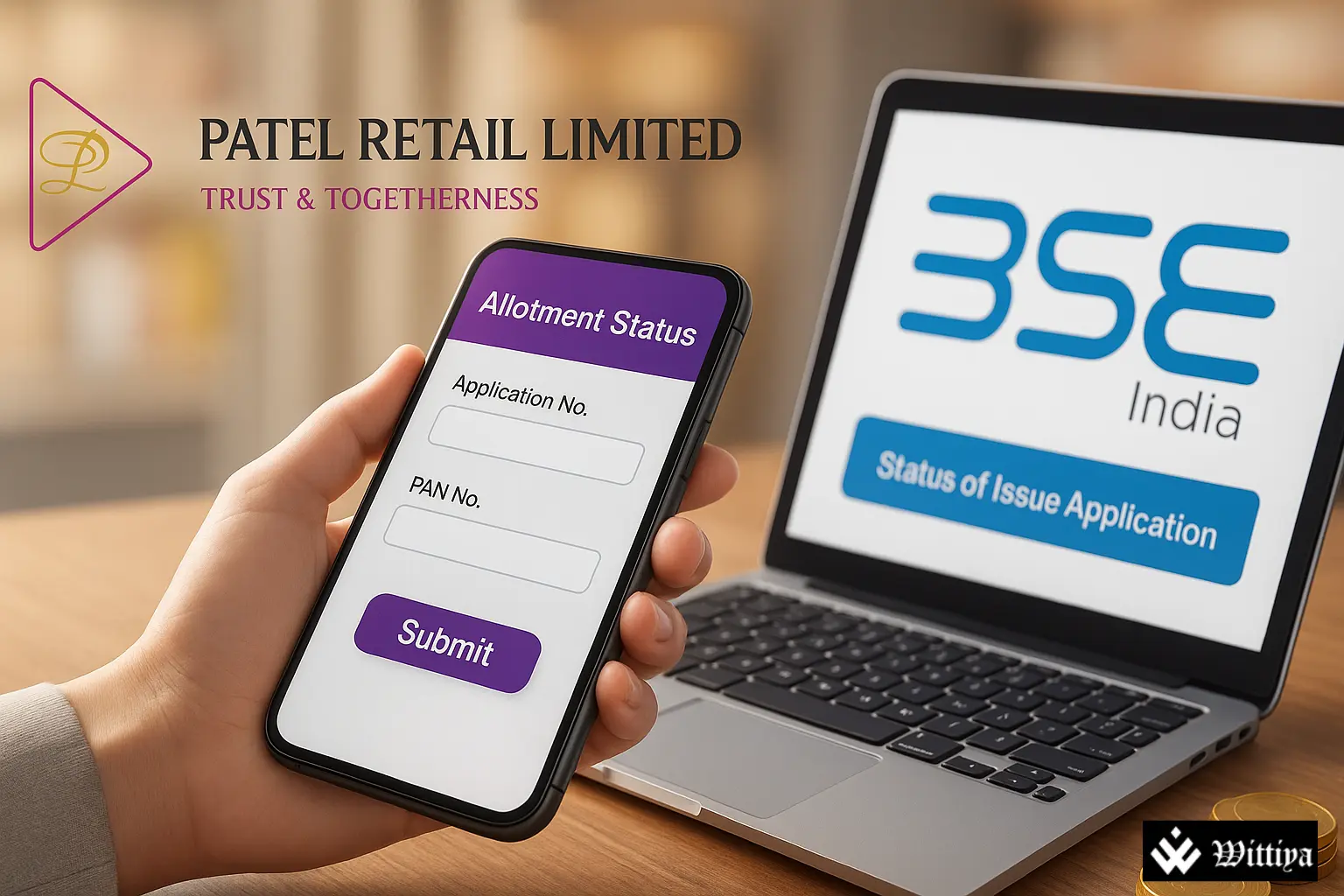
The highly anticipated Patel Retail Limited IPO witnessed overwhelming investor demand with a subscription of nearly 96 times. The allotment results are scheduled for today, and investors can now check their status online through BSE India and the registrar KFin Technologies.
Patel Retail Limited, headquartered in India, operates in the retail and consumer goods sector, specializing in organized retail of lifestyle and household products. The company has steadily expanded its presence across multiple regions and is known for its strong distribution and consumer-focused business model.
The Patel Retail IPO, valued at ₹242.76 crore, included a fresh issue of 85.18 lakh equity shares along with an offer for sale (OFS) of 10.02 lakh shares by promoters. The price band for the issue was fixed at ₹237 to ₹255 per share.
Investor enthusiasm was evident, with the IPO being oversubscribed 95.70 times by the close of bidding. The Qualified Institutional Buyers (QIBs) portion led the demand with a remarkable 272.43 times subscription, followed by Non-Institutional Investors (NIIs) at 108.17 times, while the Retail Individual Investors (RIIs) category was subscribed 42.49 times.
In the grey market, Patel Retail shares are trading at a premium of ₹50 per share over the upper price band. Based on this grey market premium (GMP), the stock is expected to list at around ₹305, reflecting a potential gain of nearly 19.61% over the issue price.
With the T+3 settlement framework in place, Patel Retail is expected to make its market debut on 26 August 2025.
How to Check Patel Retail IPO Allotment Status
Investors can check their Patel Retail IPO allotment status online through either the BSE website or the KFin Technologies portal, the official registrar for the issue.
Steps to check on KFin Tech website:
- Visit KFinTech IPO Status Portal.
- Select Application Number, Demat Account, or PAN for verification.
- Enter details and click on Submit.
- The allotment status will be displayed on the screen.
Also Read: Patel Retail IPO: A Testament to India’s Growing Retail Ambition
Steps to check on BSE website:
- Go to BSE IPO Application Status.
- Select Equity under Issue Type.
- Choose Patel Retail Ltd from the Issue Name dropdown.
- Enter your Application Number or PAN.
- Verify using the captcha and click Search.
The allotment result will appear on the screen.
READ MORE ON